SignUpGenius on Mobile
No app to download, no updates to manage. Everything you can do on desktop, you can do from your phone's browser.
 Posted by Kate White
Date:04/15/2026
 Posted by Kate White
Quick Start — Jump to your section
What Works the Same on Mobile Add SignUpGenius to Your Home Screen Sharing a Sign Up on MobileDoes SignUpGenius Have a Mobile App?
No, and that's by design. Everything you can do on desktop, from creating a sign up to checking who's covered a slot, works the same way in your phone's browser. There's nothing to download and nothing to keep updated. If you want an app-like shortcut, you can add SignUpGenius to your home screen in a few taps.
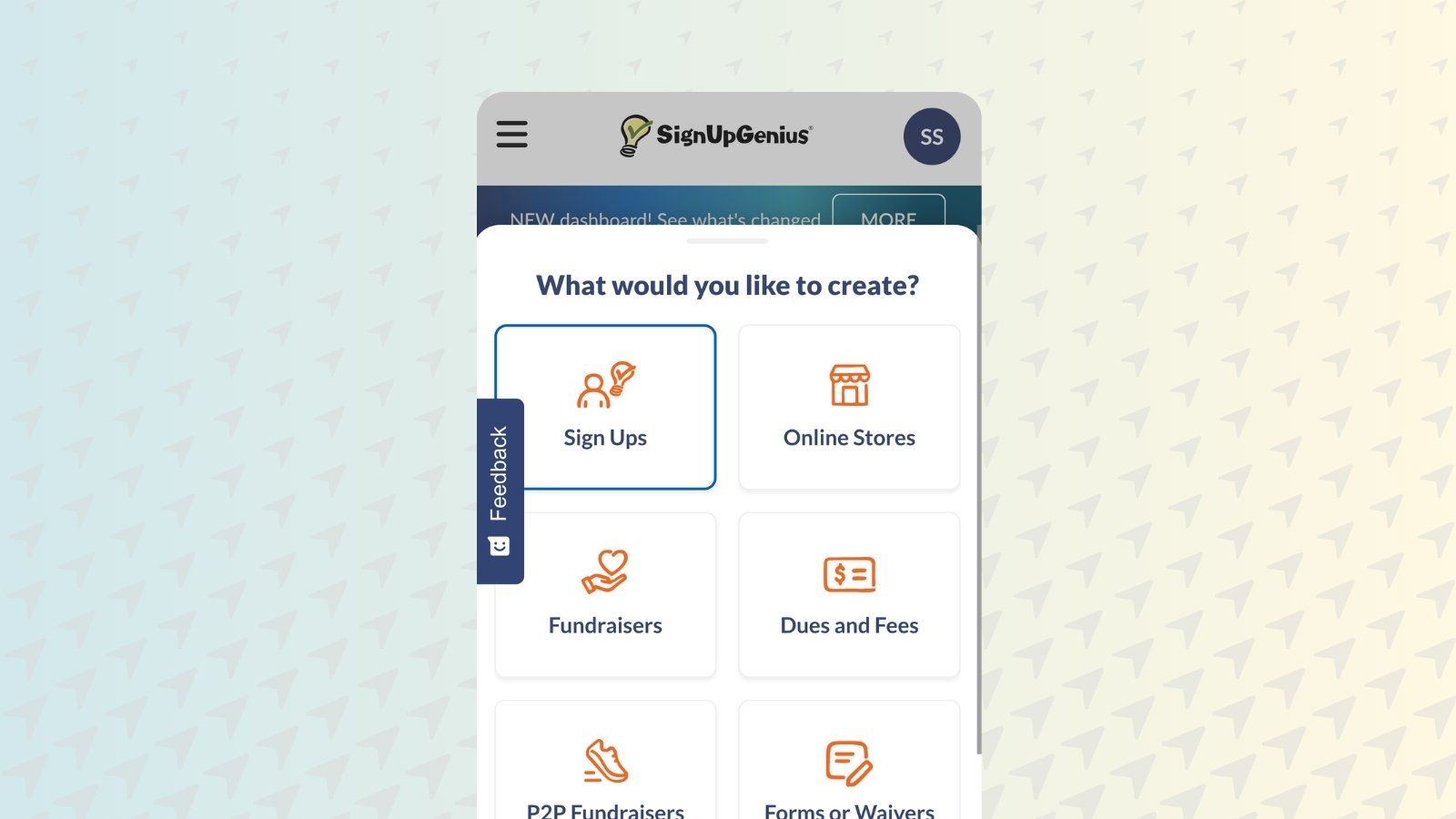
Creating a sign up from your phone works the same as it does on desktop. Log in or create an account, tap Create a Sign Up, enter your title, assign a group, and choose a theme, all from the same flow.
Participants don't need an account at all. They can view a sign up, claim a slot, and pay if needed, straight from the link, on any device.
Editing works the same way too. Update slots, change details, or close a sign up from your phone whenever you need to, and your group sees the change in real time.

Genius Tip
Since there's no app to update, you're always on the current version of SignUpGenius the moment you open your browser. No version mismatches between you and your co-organizers.
Want an icon on your phone without an actual app? Adding SignUpGenius to your home screen gives you a one-tap shortcut straight to your dashboard, using your browser rather than a separate download.
For the exact steps on iOS and Android, see Add SignUpGenius to Your Mobile Home Screen in the Help Center.
Built a sign up on your phone and need to get it out to your group right away? The same sharing options from desktop are available on mobile.
Sharing Beyond a Link
Need to reach your whole group at once instead of sharing a single link? Text Messaging lets you invite participants to opt in and send updates directly to their phones.
See how messaging worksDoes SignUpGenius have a mobile app?
SignUpGenius doesn't require an app. It runs fully in your phone's browser, with the same features and layout you'd use on desktop, so there's nothing to download or keep updated.
Can participants sign up without downloading anything?
Yes. Participants sign up directly from the link on any device, without creating an account or installing anything.
Is the mobile experience different from desktop?
The layout adjusts for a smaller screen, but every feature works the same, including creating sign ups, editing slots, collecting payments, and messaging your group.
How do I get an app-like icon on my phone?
Add SignUpGenius to your home screen from your mobile browser. It creates a one-tap shortcut without an actual app download.
Can I create a sign up entirely from my phone?
Yes. The full sign up creation flow, including themes, groups, and sharing options, works the same on mobile as it does on desktop.
I'm a huge fan of SignUpGenius and have been able to accomplish so much with it. It's always quick to load and easy to use. I have used SignupGenius to coordinate hundreds of volunteers, and it's always easy and reliable for both me and them. Thank you for your wonderful product!
Heidi Carson